The chart view allows you to monitor participants' responses in a more visual way within the Reports tab. In this format, the information collected in activities is organized into different types of charts, making it easier to read and interpret the data.
This view helps identify patterns and distributions of responses quickly, allowing for a more structured analysis of task results within the platform.
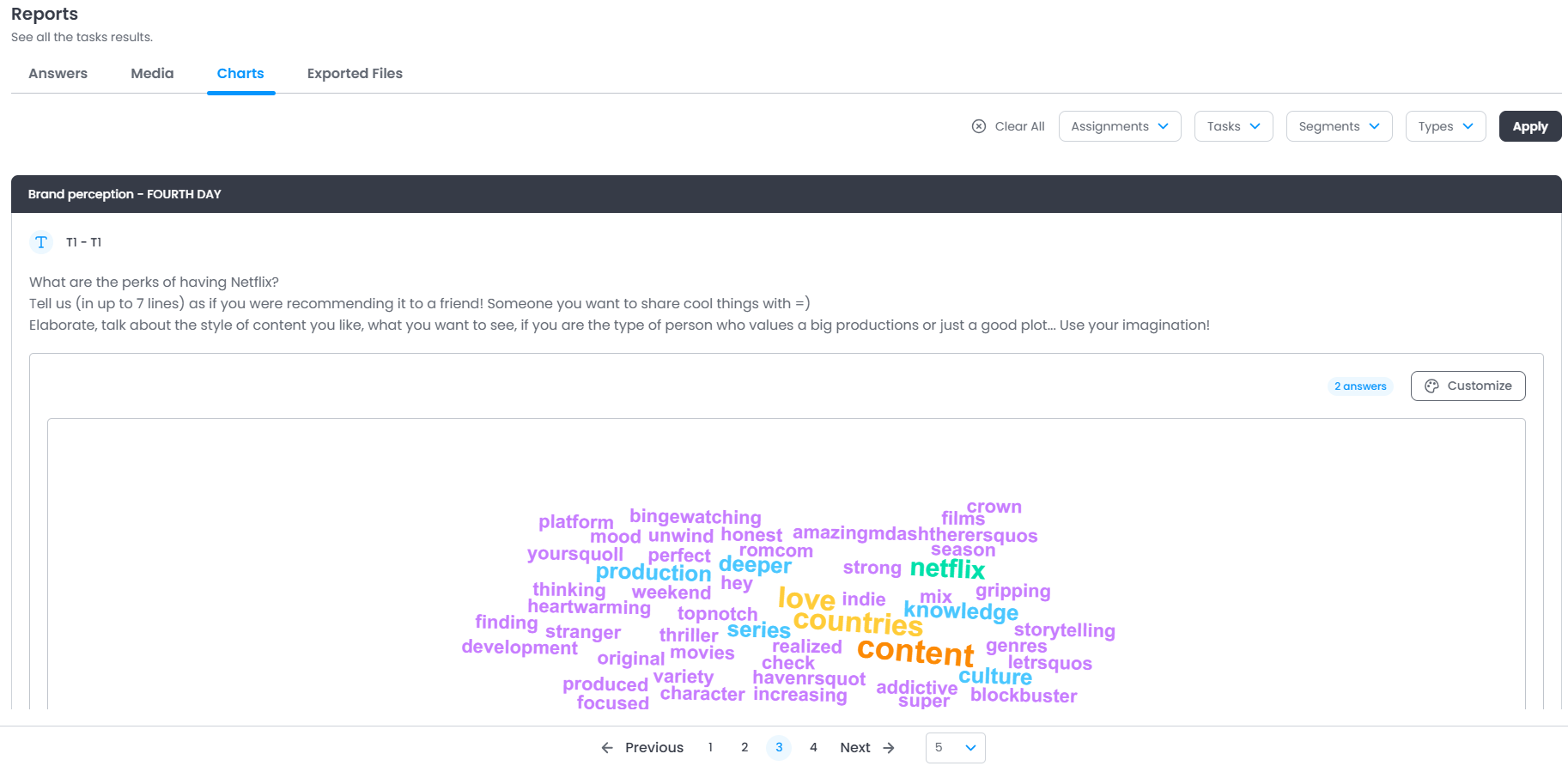
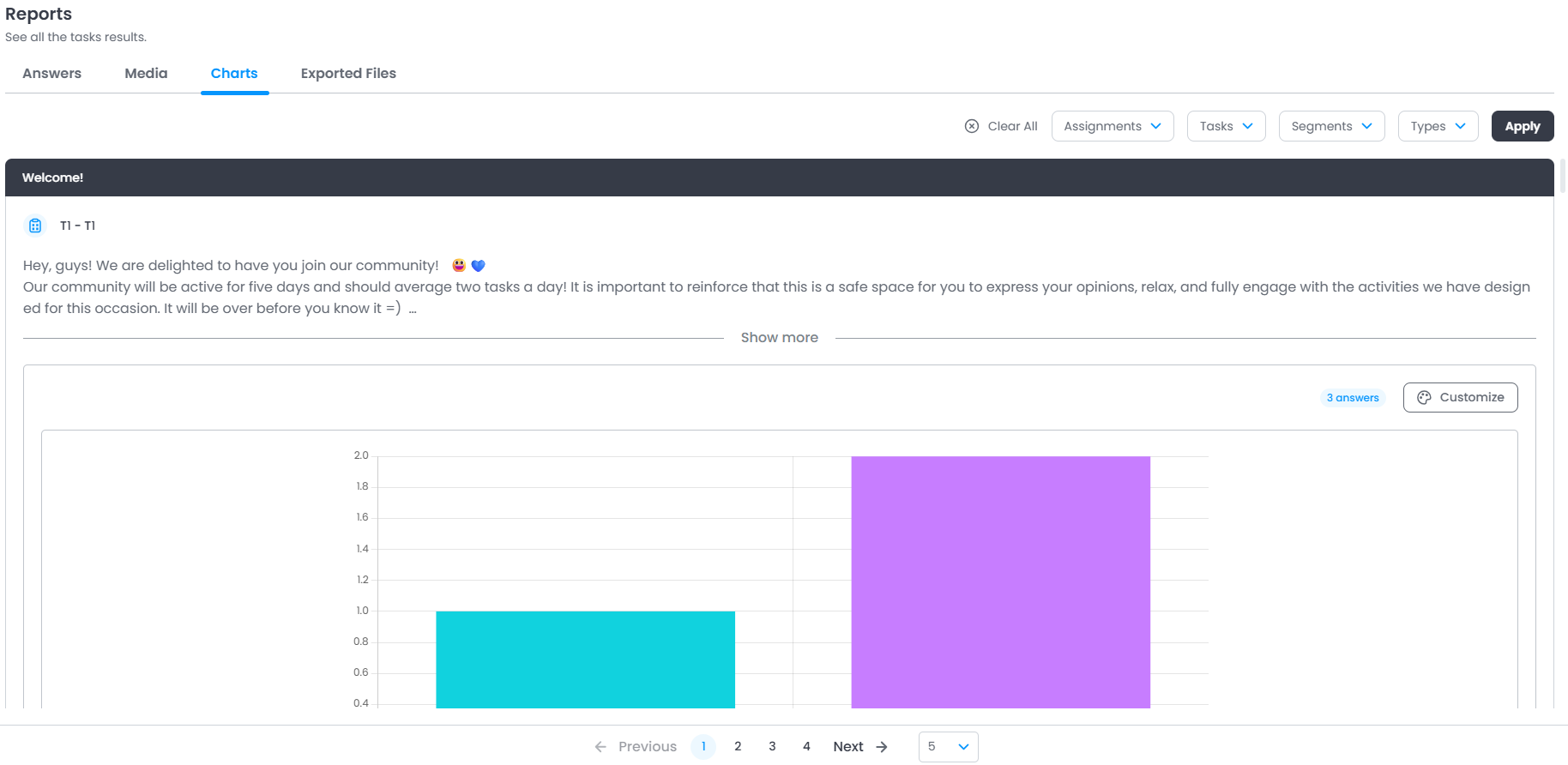
Tip:
Applying filters can also help in this process, allowing you to refine which responses are displayed in the charts and making it easier to view specific sets of data.
Customization
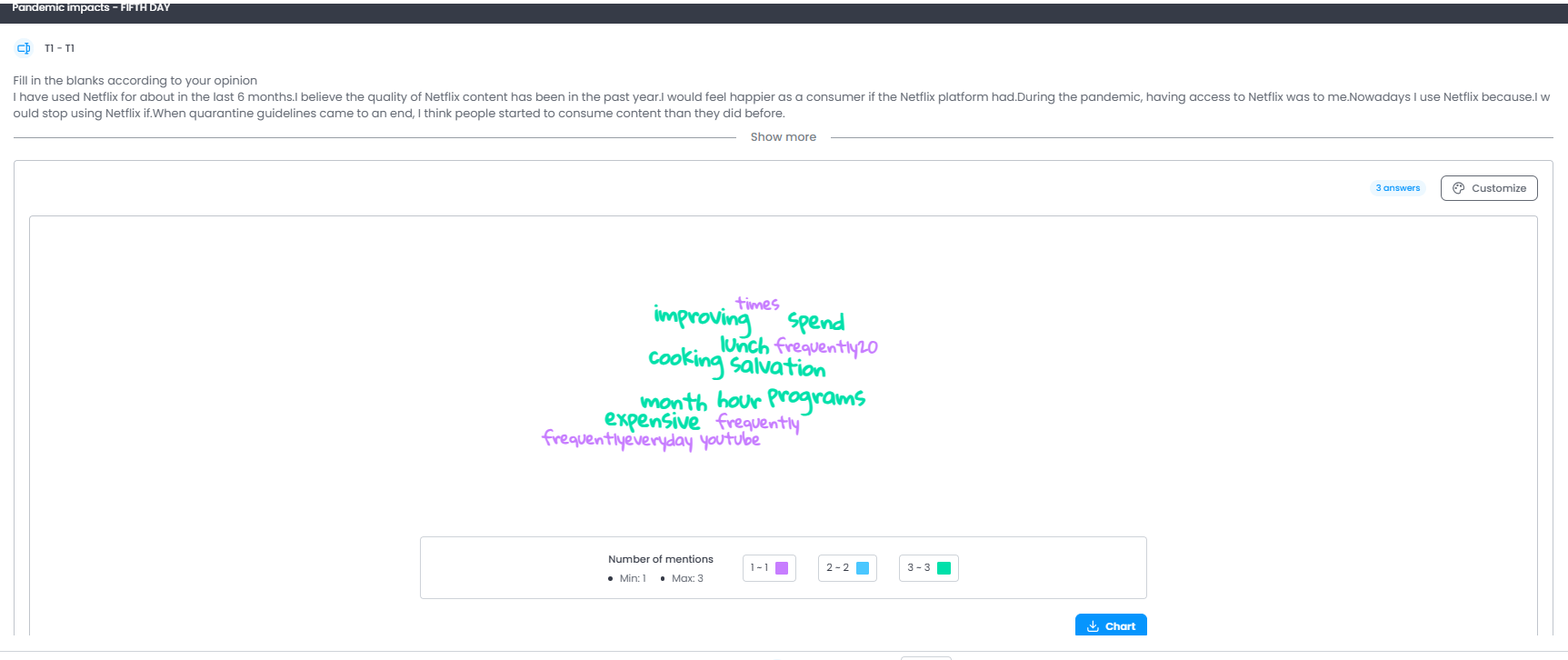
It is possible to customize the available charts, highlighted:
In the word cloud chart, it is possible to customize in several ways, such as deleting words, changing their colors, and the number of words displayed.
To customize, click the Customize button in the top right corner.
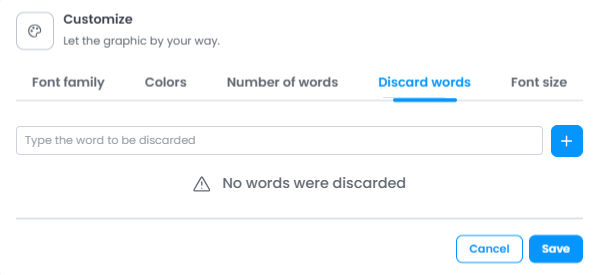
To apply the change, save the changes by clicking the Save button.
Save the chart table
It is possible to download the frequency table used to create the charts, to do this click the Table button in the bottom right corner, you can also save the chart clicking the Chart button.
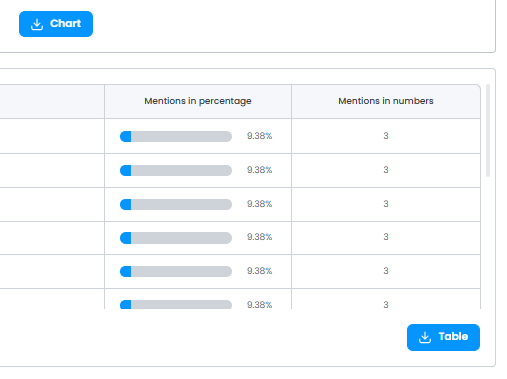
Then you can save the CSV file on your device.
Was this article helpful?
That’s Great!
Thank you for your feedback
Sorry! We couldn't be helpful
Thank you for your feedback
Feedback sent
We appreciate your effort and will try to fix the article