Blank Space is a type of task in which a phrase, sentence or paragraph with one or more blank spaces must be filled in by the participant.
This type of task is used to enable participants to respond to more assertive and targeted texts.CONTENTS
- Setting up
- How will participants view this type of task?
- Charts and Tables
- How will I visualize this type of task
Set up
To create any task, you must have Administrator or Moderator access. Using one of these accesses you must go to the activity's gear menu and click on "Edit Tasks". If you haven't yet created your first activity, you should do so before proceeding. Learn more about creating an activity here.
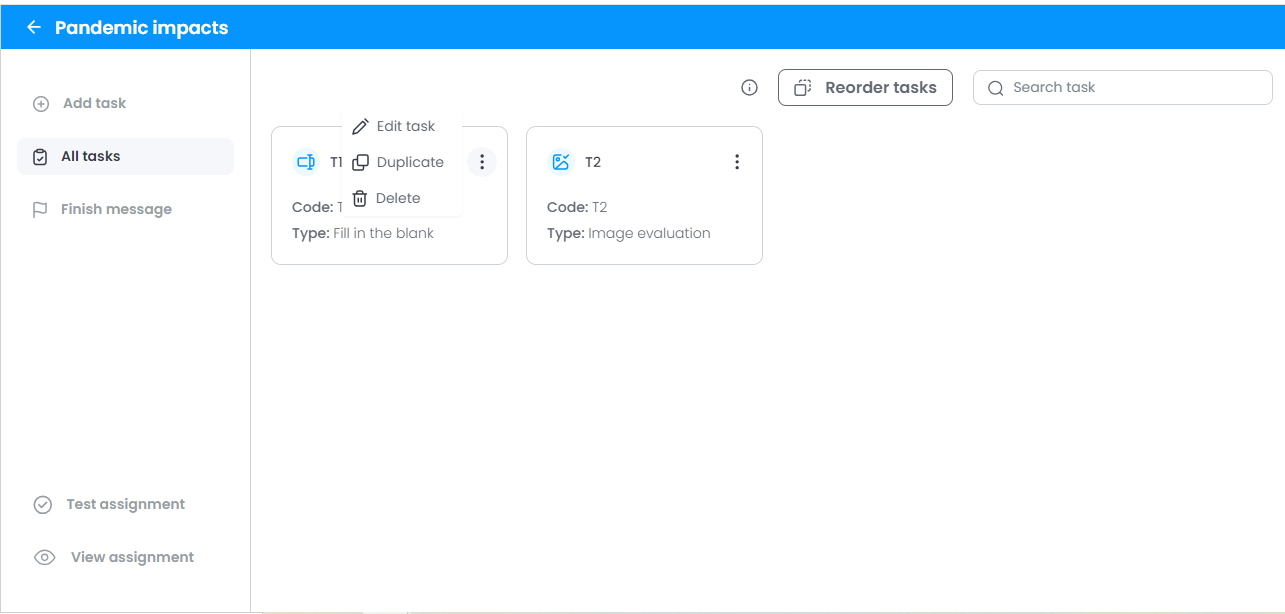
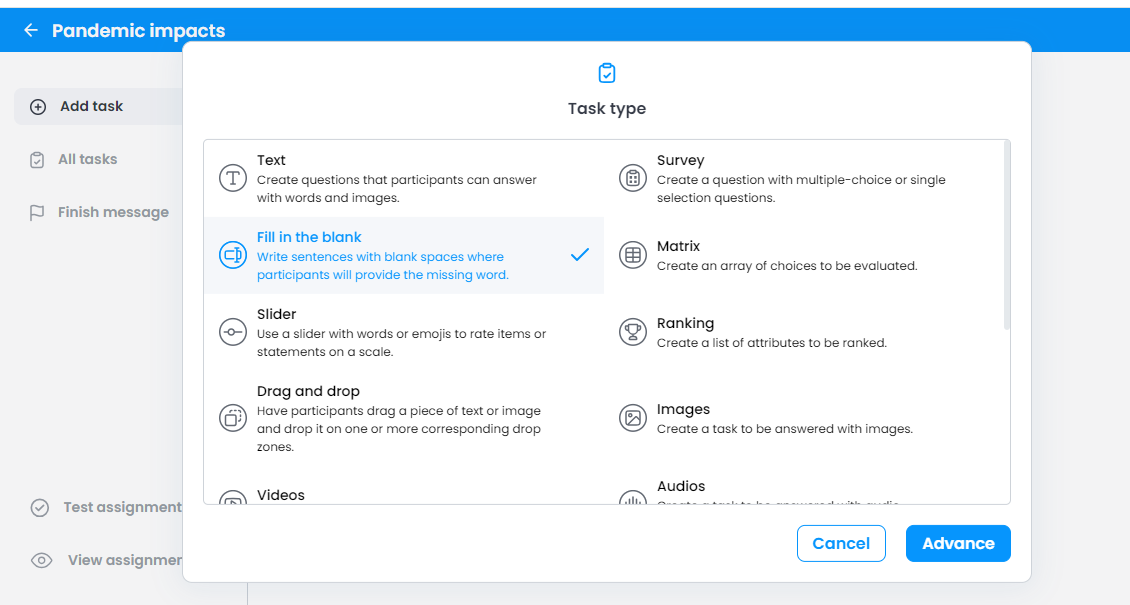
1. Choose "Blanks" from the list of tasks.
2. Write the text in the description.
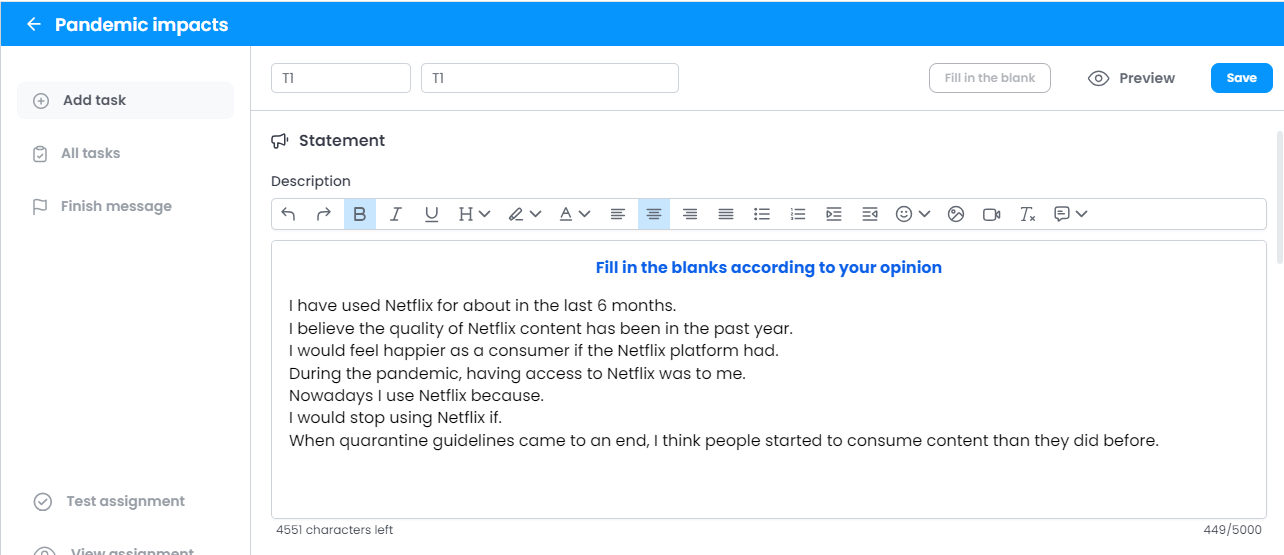
3. You can also change the task (question) code using the rounded field next to the task list. The code of a task is important for identifying the question in the database and also for viewing the answers on the platform. Ow Voices will always place the screen "T" followed by a natural number in ascending order for task codes.
Remember that the question code cannot contain special characters, spaces or just the number 0.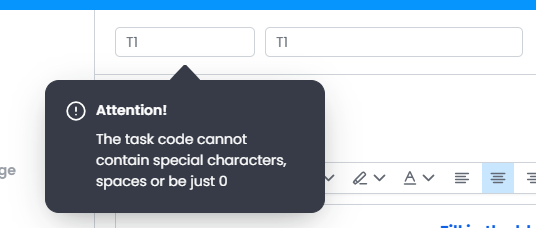
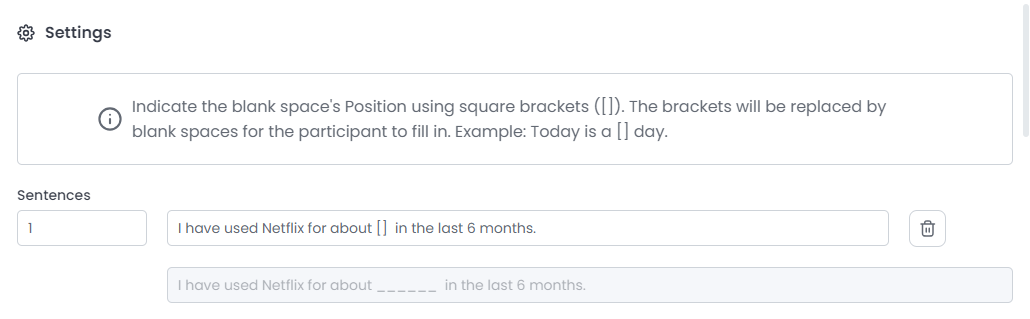
4. Indicate the blank space's Position using square brackets ([]). The brackets will be replaced by blank spaces for the participant to fill in.
Example: Today is a [] day.
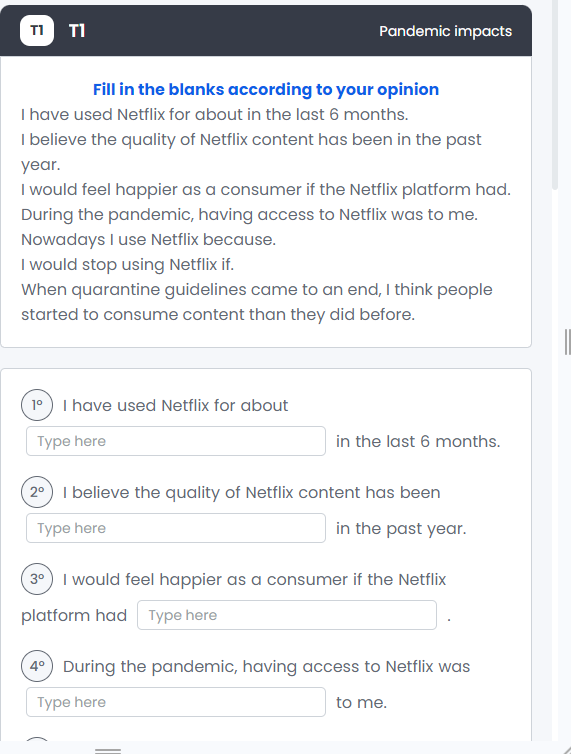
How will participants visualize this type of task?
This is an example of how this type of task looks to the participants.
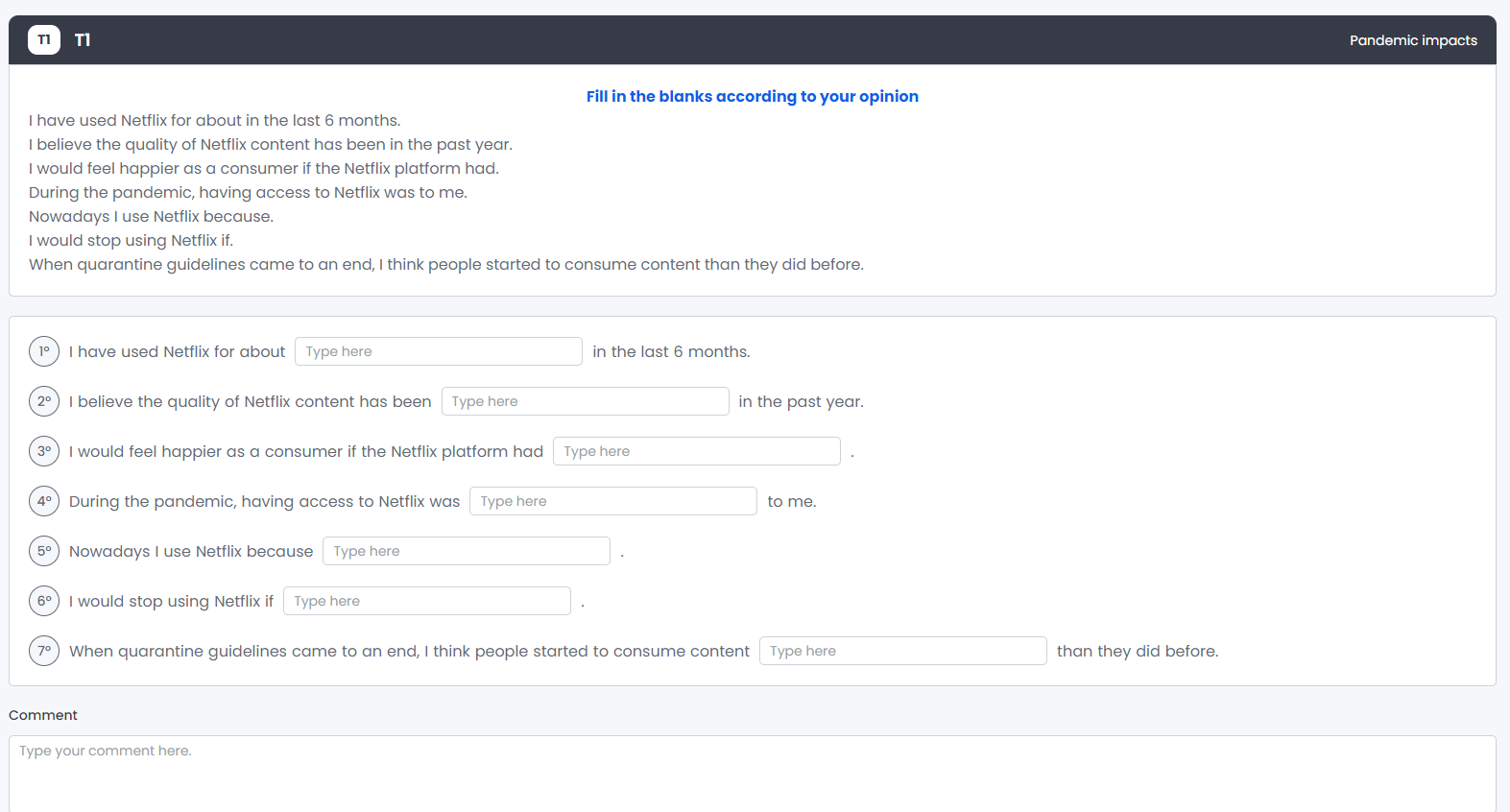
On mobile devices, we offer a different view to improve the user experience.
Graphs and Tables
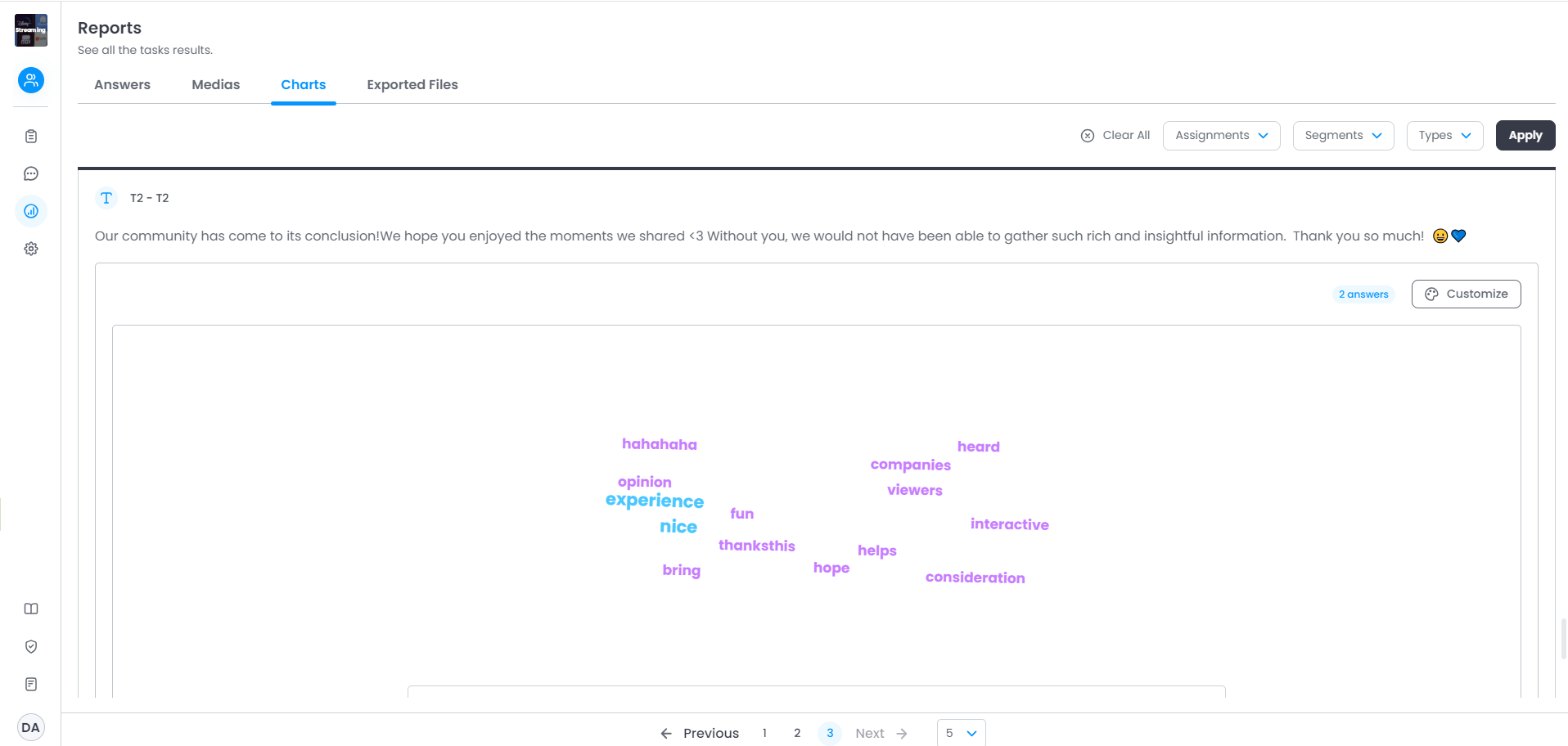
In the "Reports" menu, Administrators, Moderators and Observers can view graphs for all types of tasks. For Blank Space tasks, a word cloud will be generated, with the frequency in which the words appeared differentiated by color.
The table below the graph will show the frequency of words in absolute numbers and percentages.
How will I visualize this type of task in the database?
For open answers, the export will always display the texts written by each respondent in each row. The wording of the column will indicate the question asked of the respondent.
Remember when reading your database:
Empty cell → the question was not shown to the participant.
Cell with only the number 0 → the respondent did not select that answer option.
Was this article helpful?
That’s Great!
Thank you for your feedback
Sorry! We couldn't be helpful
Thank you for your feedback
Feedback sent
We appreciate your effort and will try to fix the article